33. Keyboard, Mouse and Beep
Three small pages set how the keyboard and mouse react and how the desktop sounds. Each has a Defaults button, which puts the values of a new account back on the page; click Apply to keep them.
Keyboard
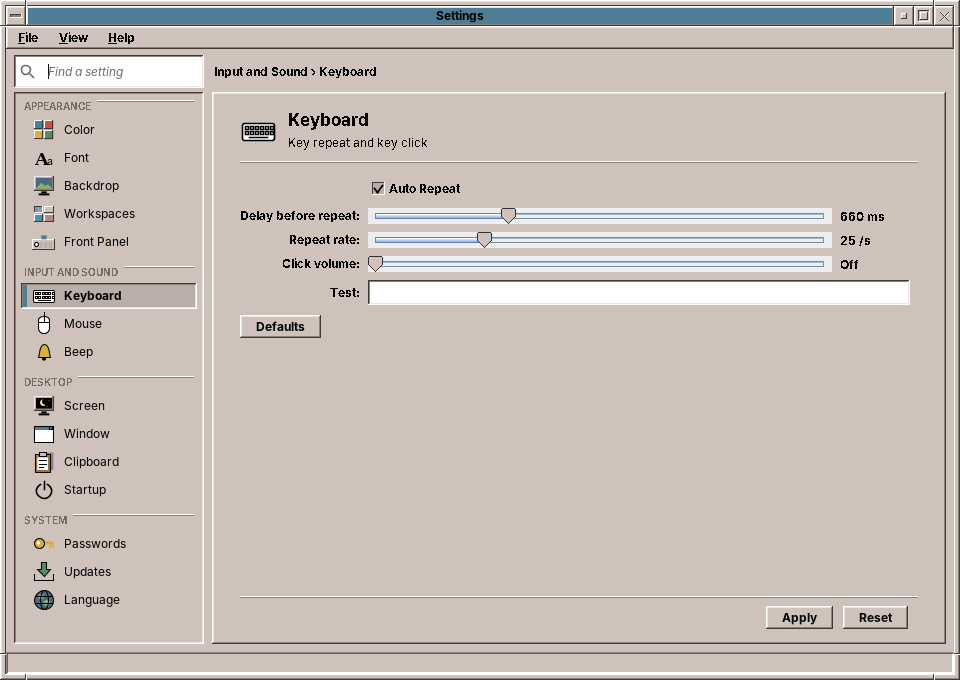
| Setting | What it does | Default |
|---|---|---|
| Auto Repeat | A key held down types its character again and again. | on |
| Delay before repeat | How long you hold a key before it repeats, 100 to 2000 milliseconds. | 660 ms |
| Repeat rate | How many characters per second it then types, 1 to 100. | 25 per second |
| Click volume | A short click for every key press, 0 % (Off) to 100 %. | off |
After Apply, try the settings in the Test field.
The keyboard layout, German, French or another, is not set here: choose it at the login screen (chapter 20) or in the installer (chapter 14).
Mouse
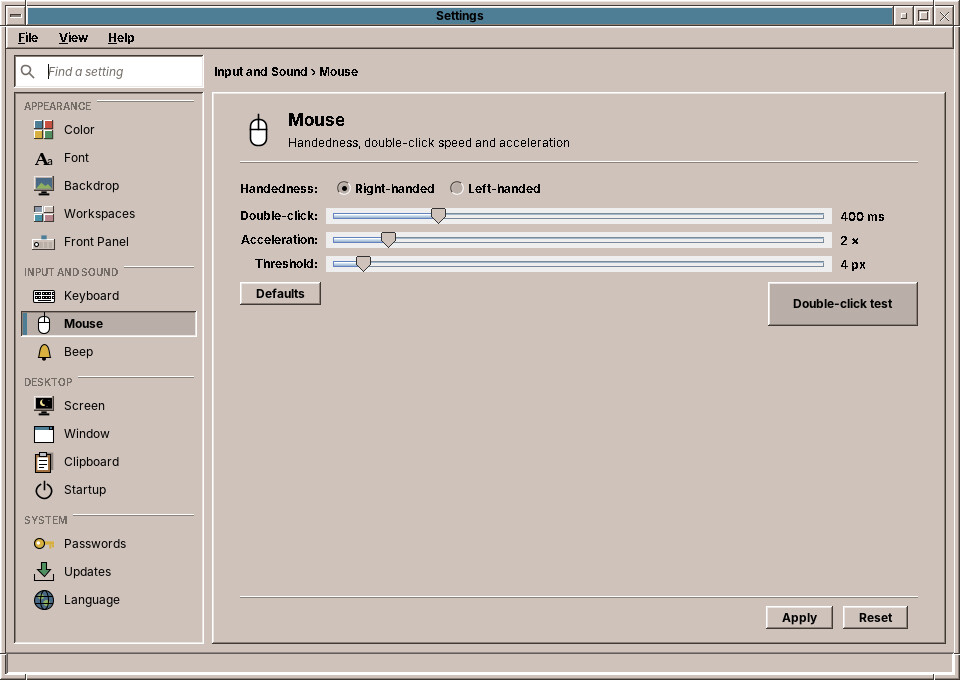
| Setting | What it does | Default |
|---|---|---|
| Handedness | Left-handed swaps the left and right mouse buttons. | right-handed |
| Double-click | How quickly two clicks must follow each other to count as a double click, 100 to 1500 milliseconds. | 400 ms |
| Acceleration | How much faster the pointer moves when you move the mouse quickly, 1× (None) to 10×. | 2× |
| Threshold | How far, in pixels, the mouse must move at once before the acceleration starts. | 4 px |
The Double-click test box opens and closes when you double-click it at the speed set on the slider. If it does not react, move the slider to the right.
Double-click speed
Programs read the double-click time when they start. Programs that are already open keep the old one until you start them again.
Beep
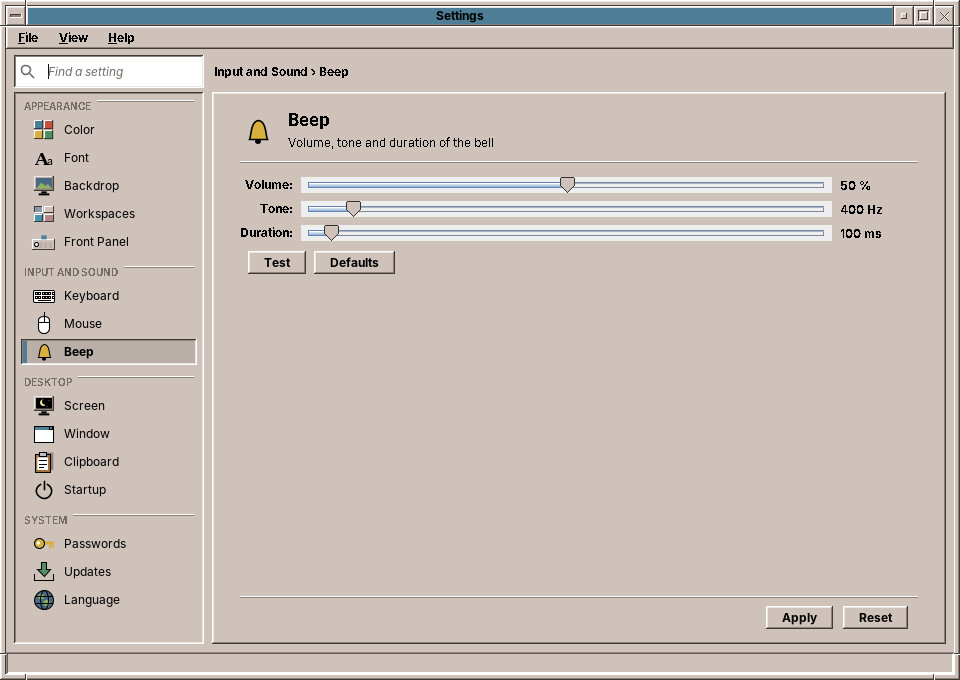
The beep is the short sound the desktop and the programs make to say no, for example when a key does nothing where you pressed it.
| Setting | What it does | Default |
|---|---|---|
| Volume | 0 % (silent) to 100 %. | 50 % |
| Tone | From a deep 55 Hz to a high 4000 Hz. | 400 Hz |
| Duration | 10 to 2000 milliseconds. | 100 ms |
Test plays the beep with the values shown. Reset goes back to the saved beep.
Under the hood
The three controls share one file, ~/.config/amadeos/input.conf. Apply hands the settings to the X server with the standard tools xset (repeat, click, acceleration, beep), xmodmap (handedness) and xrdb (double-click time). At login, /etc/amadeos/autostart.d/10-amadeos-input runs amadeos-settings input, which applies the file again.